
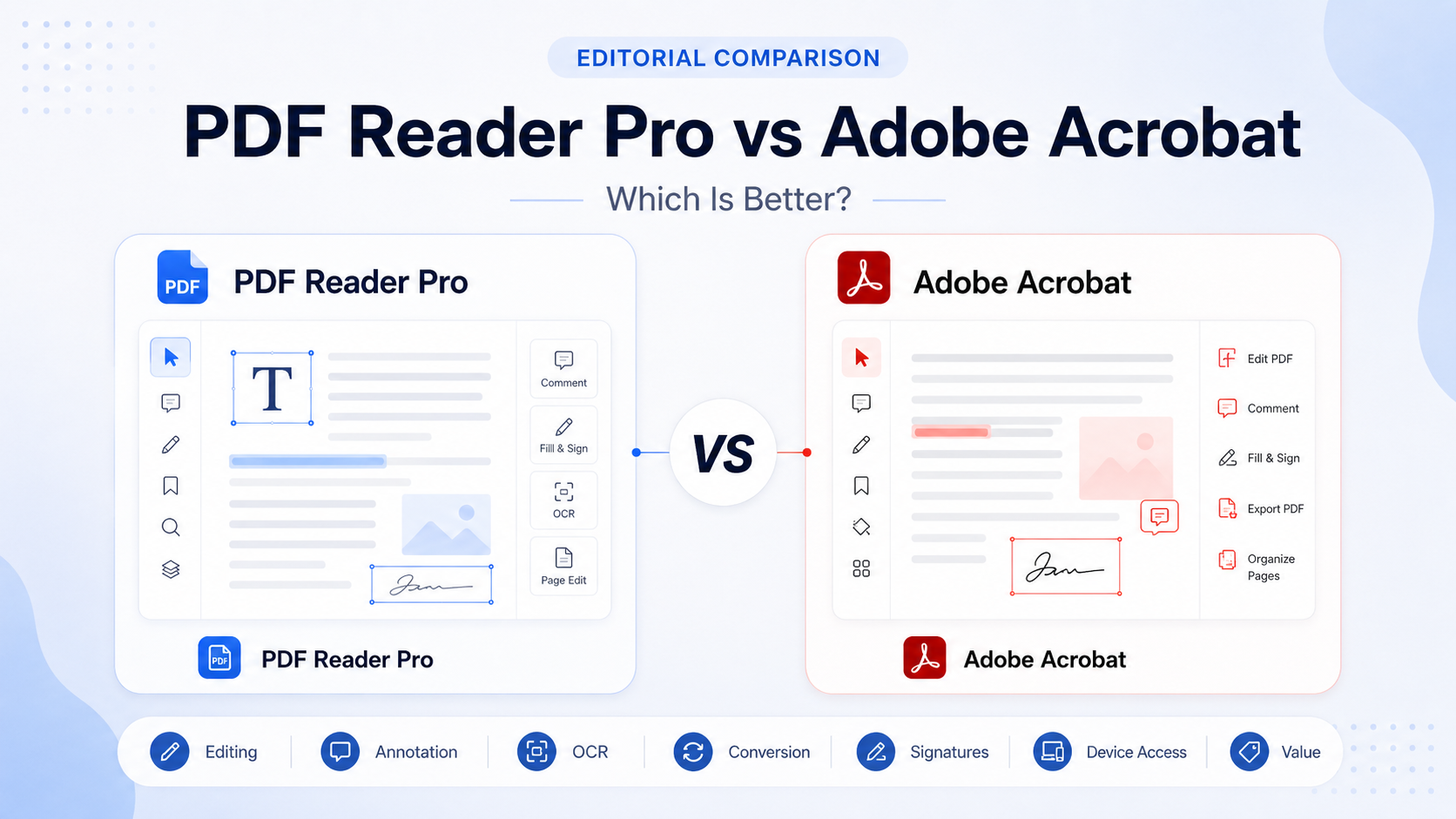
Editorial Comparison
PDF Reader Pro vs Adobe Acrobat: Which Is Better for Knowledge Workers?
PDF Reader Pro is a focused cross-platform PDF toolkit with a true one-time desktop licence. Adobe Acrobat is a broader professional document environment with deeper controls for forms, OCR, redaction, comparison, signatures and standardized business workflows.
Editorially reviewed September 8, 2026Quick Verdict
PDF Reader Pro is the better fit for focused individual PDF work; Adobe Acrobat is stronger for advanced professional document workflows
Choose PDF Reader Pro if you mainly need reading, annotation, routine editing and conversion, especially if multi-device annual access or a true one-time desktop licence matters. Choose Adobe Acrobat when OCR, redaction, PDF comparison, forms, signatures, collaboration and standardized business processes are frequent or business-critical.
Choose PDF Reader Pro if you value
- Free annotation verified by Northryn
- Mac, Windows, iOS and Android support
- Annual access across up to four devices
- A true one-time desktop licence
- A more focused PDF environment
Choose Adobe Acrobat if you value
- Advanced editing and document control
- OCR, redaction and PDF comparison
- Forms and e-signature workflows
- Desktop, mobile, web and cloud access
- Established organizational PDF processes
PDF Reader Pro vs Adobe Acrobat at a glance
Scan the rows below for the practical difference that matters to your workflow. Hover on desktop for a clearer side-by-side read.
Individuals and smaller professional workflows that need a focused PDF toolkit.
Focused workflowAdvanced professional and organizational workflows with deeper document controls.
Professional ecosystemReading, highlighting, notes and saving worked in Northryn’s Windows test.
Evidence advantageAcrobat Reader supports viewing, commenting and signing, but Northryn did not run an equivalent hands-on test.
Official informationEditing existing text required a paid plan or trial in Northryn’s free test.
Direct PDF editing is part of Adobe’s paid Acrobat plans.
Better for professional editingOCR is available in the paid toolkit, but Northryn has not validated its accuracy hands-on.
Acrobat Pro can turn scanned documents into editable and searchable PDFs.
Safer professional fitNorthryn did not test advanced redaction or comparison workflows for this article.
Adobe officially includes redaction and PDF comparison among Acrobat Pro’s advanced controls.
Clearer fitAnnual plans support up to four devices across the supported platforms.
Strong personal multi-device fitAdobe’s subscription environment connects desktop software with browser and mobile workflows.
Broader connected workflowPermanent is a true one-time licence for one Mac or Windows device.
Reader Pro advantageAdobe’s current individual Acrobat Standard and Pro plans use recurring billing.
Better when routine PDF work matters more than advanced organizational controls.
Individuals / smaller workflowsBetter when OCR, redaction, comparison, forms and standardized document processes are central.
Advanced / organizational workflowsThe central difference: focused toolkit vs professional document ecosystem
Focused, flexible PDF work
PDF Reader Pro concentrates reading, annotation, editing, conversion, OCR, page organization and signing inside one product family. It is easier to position for individuals who want a capable PDF toolkit without adopting a broader enterprise-style document environment.
Deeper professional document control
Adobe Acrobat combines editing and conversion with broader workflows around forms, e-signatures, OCR, redaction, document comparison, browser access and collaboration.
Free reading and annotation
PDF Reader Pro testedPDF Reader Pro performed well in Northryn’s free Windows test. Highlighting worked, a note could be added, and the annotated document saved correctly without activating a paid trial.
Adobe official informationAdobe Acrobat Reader also provides free viewing, commenting and signing. Northryn did not perform an equivalent hands-on Adobe test for this article, so the safest conclusion is that both products cover basic annotation, while only PDF Reader Pro has directly tested evidence in this comparison.
Editing, conversion and OCR
Capable, but paid depth remains partly untested
Editing existing text required a paid-plan trial in Northryn’s free test, and PDF-to-Word conversion was blocked by an upgrade screen. OCR is part of the paid feature set, but Northryn has not yet validated its accuracy hands-on.
Stronger verified professional depth
Acrobat’s paid plans support PDF editing and conversion, while Acrobat Pro adds scanned-document OCR, redaction, PDF comparison and other advanced controls.
Forms, signatures and business workflows
Good for routine individual workflows
PDF Reader Pro supports forms, signatures and e-signature workflows. That may be sufficient for individuals and smaller teams whose approval processes are relatively straightforward.
Better for repeatable professional processes
Adobe’s paid Acrobat environment supports forms, signature collection and tracking, while Acrobat Pro adds redaction, PDF comparison and other document-control capabilities that fit standardized organizational workflows more naturally.
Platform support and device access
PDF Reader Pro supports Mac, Windows, iOS and Android. Its Standard and Advanced annual plans currently support up to four devices, while Permanent is limited to one Mac or Windows device.
Adobe Acrobat subscriptions are available across desktop, web and mobile. That broader connected environment may matter more to organizations or users who regularly move between browser, desktop and mobile workflows.
PDF Reader Pro vs Adobe Acrobat pricing
Prices were rechecked against the current US product pages. Promotions, taxes and billing options can change.
PDF Reader Pro
$59.99–$99.99
- Standard Annual: $59.99/year
- Advanced Annual: $79.99/year
- Permanent: $99.99 one-time
- Annual plans support up to four devices
Adobe Acrobat
$14.99–$19.99/month
- Acrobat Standard: $14.99/month on annual commitment, billed monthly
- Acrobat Pro: $19.99/month on annual commitment, billed monthly
- Annual-prepaid options are also available
- Cancellation terms apply after the initial refund window
PDF Reader Pro is easier to justify on pure licence cost, especially for users who want Permanent. Adobe Acrobat can still offer better value when its deeper professional controls are used regularly.
Which product is better for different users?
Northryn directly verified highlighting, notes and saving without payment.
Forms, signatures, OCR, redaction and comparison fit more demanding processes.
Permanent provides a true one-time licence for one Mac or Windows device.
Verified tools include OCR, redaction, comparison and broader professional controls.
A focused toolkit can avoid paying for a broader environment you do not need.
Existing accounts, workflows and standardization can outweigh lower-cost alternatives.
Direct comparison of strengths and limitations
Strengths
- Useful free annotation workflow verified by Northryn
- Mac, Windows, iOS and Android support
- Annual access across up to four devices
- True one-time one-device desktop licence
- Lower-cost focused alternative
Limitations
- Paid editing and conversion remain partly untested by Northryn
- Paid OCR accuracy remains unverified
- Permanent access does not cover every platform
- Less suited to complex organizational document processes
Strengths
- Broad professional PDF environment
- Advanced editing and conversion
- OCR, redaction and PDF comparison in Acrobat Pro
- Forms, signatures and collaboration
- Desktop, mobile, web and cloud workflows
Limitations
- Main individual plans are recurring subscriptions
- Can be excessive for simple PDF tasks
- Annual cancellation terms require attention
- Not directly tested by Northryn for this comparison
How to choose between PDF Reader Pro and Adobe Acrobat
Work through these five decisions in order. You do not need the product with more features; you need the one that clears the highest-risk requirement in your document workflow.
Start with workflow complexity
Are you handling routine individual PDF work, or advanced processes such as redaction, comparison, complex forms and controlled approvals?
Check whether permanent desktop access matters
If avoiding recurring software payments is a priority, the licensing model may decide the comparison before features do.
Map your device workflow
Decide whether your documents stay on one computer or regularly move between desktop, mobile and browser-based work.
Test the documents most likely to fail
Do not decide from the feature list alone. Use scanned pages, complex tables, forms, signatures and conversion-heavy files.
Apply organizational constraints last
Security rules, approved-software lists, existing Adobe accounts and standardized internal processes can override a lower individual licence cost.
If you reach step 4 without needing advanced document controls, PDF Reader Pro is probably the more efficient fit. If OCR, redaction, comparison, complex forms or organizational standardization keep appearing as requirements, Adobe Acrobat is the safer choice.
Frequently Asked Questions
Is PDF Reader Pro as good as Adobe Acrobat?
PDF Reader Pro can be sufficient for reading, annotation, routine editing, conversion and signing. Adobe Acrobat is the stronger fit for advanced professional workflows involving OCR, redaction, comparison, complex forms and standardized document control.
Which is cheaper, PDF Reader Pro or Adobe Acrobat?
PDF Reader Pro has the lower headline licence cost and offers a $99.99 one-time Permanent option. Adobe Acrobat Standard and Pro are currently subscription products priced at $14.99/month and $19.99/month respectively on annual commitment billed monthly.
Does PDF Reader Pro offer a lifetime licence?
Yes. Its Permanent plan currently costs $99.99 as a one-time purchase for one Mac or Windows device.
Which is better for OCR?
Adobe Acrobat Pro is the safer recommendation for established professional OCR workflows because OCR is part of its verified advanced toolset. PDF Reader Pro also offers OCR, but Northryn has not validated its paid OCR accuracy.
Which is better for business use?
Adobe Acrobat is generally the stronger fit for advanced or standardized organizational workflows. PDF Reader Pro may offer better value for individuals and smaller workflows that do not need Acrobat’s broader document-control environment.
Can PDF Reader Pro replace Adobe Acrobat?
For many individual workflows, yes. It is less likely to replace Acrobat where redaction, document comparison, advanced forms, collaboration or established Adobe processes are essential.
Final Recommendation
Choose PDF Reader Pro for focused value; choose Adobe Acrobat for deeper professional control
PDF Reader Pro is the more practical option when you mainly need annotation and routine PDF work, want annual access across several devices or prefer a true one-time desktop licence.
Adobe Acrobat is the stronger choice when advanced editing, OCR, forms, redaction, PDF comparison, signatures and organizational compatibility justify the broader environment and recurring cost.