
Hands-On Automation Comparison
Albato vs Zapier: Which Automation Tool Is Better for Your Workflow in 2026?
Albato and Zapier can both automate straightforward app-to-app workflows, but they differ in setup style, ecosystem breadth and how usage is counted. Northryn tested both with comparable Google Sheets workflows, then checked current pricing and product information to separate hands-on findings from official claims.
Hands-on evidence plus official product information checked September 10, 2026Quick Answer
Choose Albato for simpler workflow economics. Choose Zapier for broader app coverage and a more guided ecosystem.
In Northryn’s practical testing, both platforms were easy to follow for a straightforward workflow. Albato felt more compact, while Zapier felt more guided. The larger difference appears when you scale beyond the test: Albato currently lists 1,000+ apps and counts successful post-trigger steps as transactions, while Zapier lists 9,000+ apps and uses a broader task-based pricing model across workflows, AI, code and connectors.
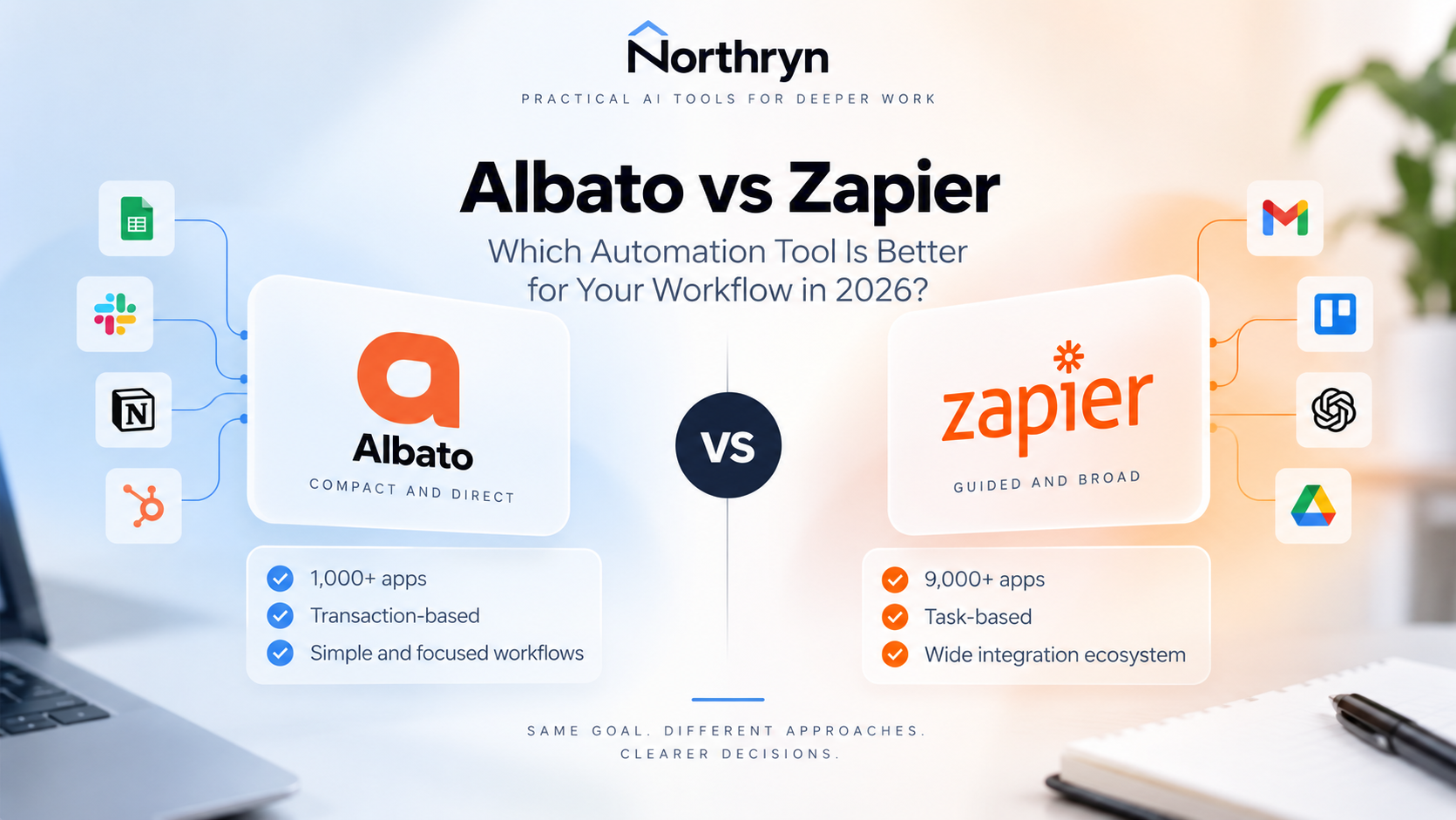
Albato vs Zapier at a glance
The useful comparison is not “which brand is bigger?” It is which platform better fits the workflow you are actually trying to operate.
Compact workflow building
Northryn found Albato straightforward for a direct trigger → condition → action workflow, with transaction usage that is relatively easy to reason about for simple flows.
Guided setup and broader coverage
Zapier felt more guided in testing and currently advertises 9,000+ apps, making integration breadth one of its strongest practical advantages.
Direct trigger, condition and output workflow completed successfully.
The final Google Sheets action wrote the expected output successfully.
Less visual overhead for straightforward trigger → condition → action workflows.
A consistent Setup → Configure → Test process that is easy to follow.
Enough coverage for many mainstream business automation workflows.
Much broader ecosystem when less-common integrations matter.
Triggers do not consume transactions; successful post-trigger steps do.
Successful workflow actions generally draw from the available task pool.
Useful for testing simple workflows before moving to a paid plan.
Enough for light testing, but task usage can increase with active workflows.
Current Pro example at the 1,000-transaction level.
Professional entry pricing on the current pricing view.
What Northryn actually tested
We used comparable Google Sheets workflow logic so that the editorial comparison was grounded in real setup and execution rather than feature pages alone.
Positive case passed
A Ready row passed through the workflow and wrote the expected result successfully.
Negative case blocked
A Draft row was stopped by the configured condition, confirming that the filter behaved as intended.
Error and recovery checked
A deliberately missing required field produced a controlled configuration error and the workflow recovered after correction.
Comparable source data
The same Google Sheets-style use case and field structure were used for the Zapier workflow.
Terminal action passed
The final Create Spreadsheet Row action was tested successfully and wrote one output row.
No false full-run claim
Northryn did not rerun the complete live Zap end-to-end when doing so would have created unnecessary duplicate output.
Workflow building: compact vs guided
Both platforms reduce coding, but they feel different when you are constructing and troubleshooting a workflow.
Albato
Albato felt compact in Northryn’s test because the condition could sit close to the trigger and the workflow required fewer visible elements. That can reduce cognitive overhead when the automation is direct.
Zapier
Zapier felt highly guided. Its Setup → Configure → Test progression is easy to follow, which can be valuable for users who prefer a consistent, linear workflow-building process.
Pricing and usage: transactions vs tasks
This is where a simple price-table comparison becomes misleading.
Albato
- Triggers themselves do not consume transactions
- Each successful post-trigger automation step counts as a transaction
- Free plan includes 100 transactions
- Pro pricing is separated from transaction volume under the 2026 model
Zapier
- Free plan includes 100 tasks per month
- External connector calls and Zap steps draw from a shared task pool
- AI model tier, code runtime and connector type can affect task usage
- Professional starts from $19.99/month in the current pricing view
Which one should you choose?
The answer changes with the constraint you are trying to solve.
Choose Albato when:
- Your workflows are straightforward
- You want a compact no-code builder
- Your transaction usage is predictable
- The apps you need are already supported
- You want a lower-complexity alternative to a larger automation ecosystem
Choose Zapier when:
- You need broader app coverage
- You prefer a guided workflow-building process
- Your stack includes less-common integrations
- You want Zapier’s wider Forms, Tables, MCP and AI ecosystem
- You are willing to pay for ecosystem breadth and convenience
Final Recommendation
Albato is the better fit for simpler direct workflows. Zapier is the safer choice when ecosystem breadth matters more.
Northryn’s hands-on testing did not reveal a basic capability problem with either platform for the workflow we evaluated. The more meaningful difference is operating style and ecosystem.
If your workflow is direct and the required integrations already exist, Albato can be the more efficient choice. If you depend on broad connector coverage, guided setup and a larger surrounding automation platform, Zapier is easier to justify despite the potential for higher task-related cost as usage grows.
Frequently Asked Questions
Is Albato better than Zapier?
Albato can be the better fit for straightforward workflows when you value a compact builder and predictable transaction usage. Zapier is stronger when broad app coverage and guided setup matter more.
Is Zapier easier to use than Albato?
Zapier felt more guided in Northryn’s comparable testing, while Albato felt more compact. Beginners may prefer Zapier’s consistent step-by-step setup, while users building direct flows may appreciate Albato’s lower visual overhead.
Does Zapier support more apps than Albato?
Yes. Zapier currently states that its platform supports 9,000+ apps, while Albato lists 1,000+ apps. The more important check is whether the specific trigger and action you need are available in each platform.
Is Albato cheaper than Zapier?
Not universally. Albato uses transactions and Zapier uses tasks, and the units are not equivalent. Model the same workflow at your expected monthly run volume before comparing cost.
Do Albato triggers use transactions?
No. Albato’s current documentation states that triggers themselves do not consume transactions. Successfully executed steps after the trigger do.
Should I switch from Zapier to Albato?
Consider it if your workflows are relatively simple, the apps you need are supported by Albato and task costs or platform complexity are becoming a concern. If Zapier’s broader connector ecosystem is essential to your stack, switching may create more friction than value.