
Hands-On Comparison
PDF Agile vs PDF Reader Pro: Which Is Better for Knowledge Workers?
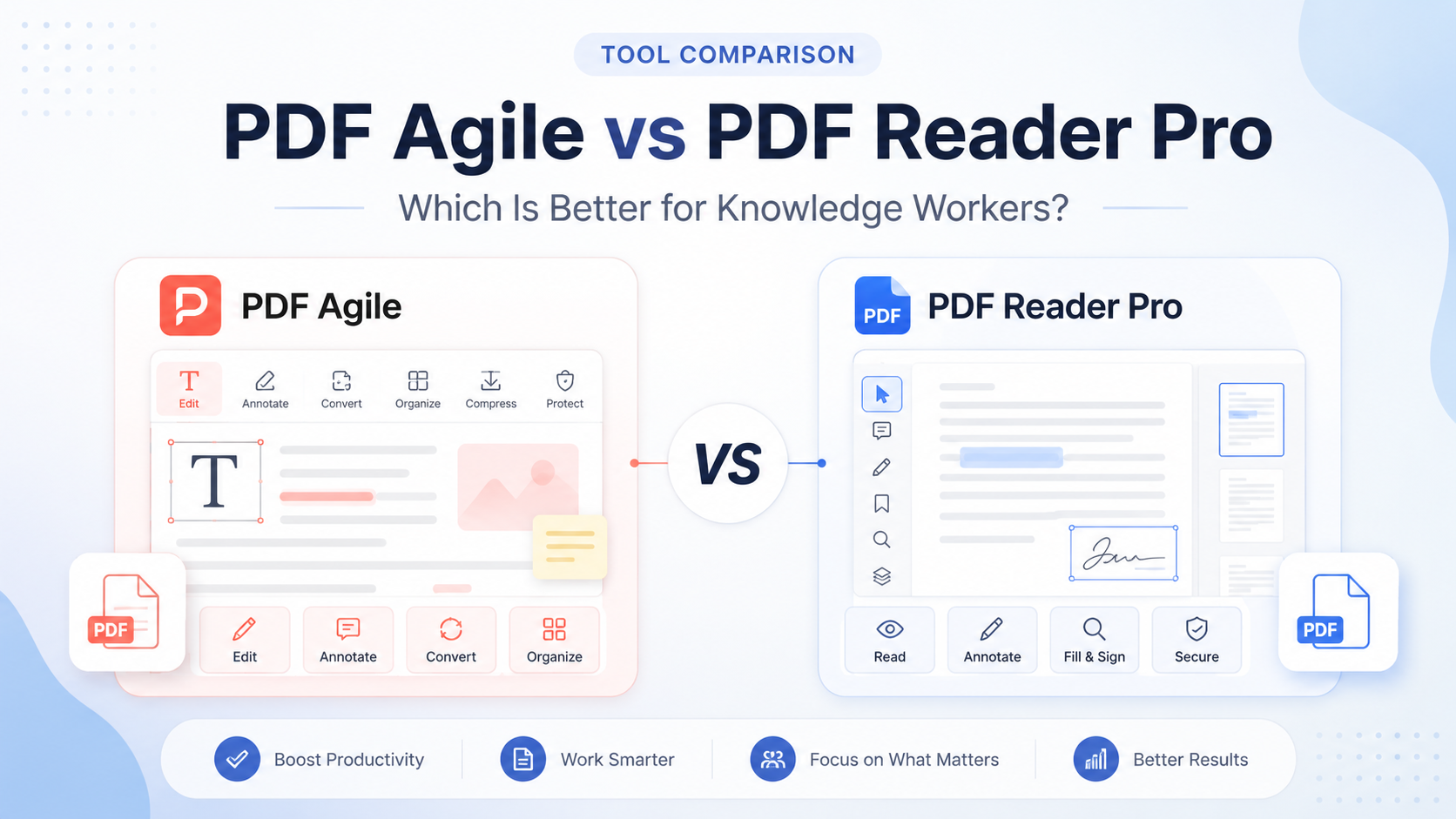
PDF Agile and PDF Reader Pro cover many of the same everyday PDF tasks, but their free-version limits, platform support, licensing and practical workflows differ. Northryn tested both Windows applications to identify where each one fits best.
Quick Verdict
PDF Agile gives you more conversion visibility before paying. PDF Reader Pro is stronger for cross-platform document work.
Both products handled basic reading, highlighting and saved annotations well. The practical difference appeared when the workflow moved beyond annotation.
PDF Agile allowed a limited two-page PDF-to-Word conversion without payment, although the structured table lost columns, colours and layout. PDF Reader Pro required a paid plan or trial for equivalent conversion testing, but offers a broader cross-platform workflow across Mac, Windows, iOS and Android.
Choose PDF Agile if you value
- Testing limited conversion before paying
- A Windows-first desktop workflow
- Semi-annual, annual and lifetime options
- Direct PDF editing and document preparation
Choose PDF Reader Pro if you value
- Mac, Windows, iOS and Android support
- Cross-device reading and annotation
- Annual plans supporting up to four devices
- A broader multi-device document workflow
Winner by category
There is no useful universal winner. The better choice depends on the document task that matters most.
Both successfully highlighted, annotated and saved the tested document.
Allowed a limited two-page PDF-to-Word test before payment.
Supports Mac, Windows, iOS and Android across annual plans.
PDF Agile lost formatting; equivalent free Reader Pro conversion was unavailable.
Current Lifetime plan is designed around permanent access with lifetime upgrades.
Standard and Advanced annual plans currently support up to four devices.
PDF Agile vs PDF Reader Pro at a glance
The table below separates the tested free workflow from current official product and licensing information.
| Area | PDF Agile | PDF Reader Pro | Best fit |
|---|---|---|---|
| Free annotations | Highlighting, notes and saving worked. | Highlighting, notes and saving worked. | Tie |
| Edit existing PDF text | Text could be edited, but saving required Premium. | Required sign-in plus paid plan or trial. | Paid on both |
| PDF-to-Word test | Two pages available without payment. | Paid plan or trial required in our test. | PDF Agile |
| Conversion quality tested | Text survived, but table columns, colours and formatting were lost. | Could not be validated in the free workflow. | No winner |
| OCR | Paid feature during our test. | Available within the wider product, depending on plan. | Not tested equally |
| Platform coverage | Northryn evaluated the Windows desktop application. | Mac, Windows, iOS and Android. | PDF Reader Pro |
| Purchase structure | Free, Semi-Annual, Annual and Lifetime. | Standard Annual, Advanced Annual and Permanent. | Different models |
How the free versions compare
Both free versions are useful for evaluating the interface, but PDF Agile exposed more of the conversion workflow before payment.
More useful conversion visibility
PDF Agile converted two pages to Word without payment. That made it possible to inspect actual output before upgrading, although the table-heavy test document needed substantial cleanup.
Stronger free annotation workflow
Reading, highlighting and saved annotations worked without payment. Editing existing text and Word conversion moved into a paid plan or trial.
Editing and annotation
Annotation produced no clear winner. The main difference appears when moving from reviewing a document to changing its existing content.
Conversion and document structure
This is where the evidence requires the most caution because equivalent free conversion testing was not possible across both products.
PDF Agile allowed a free test
Two pages could be converted from PDF to Word without payment.
The output exposed a limitation
Main text survived, but the structured table lost columns, colours and layout.
PDF Reader Pro blocked equivalent testing
The same conversion required a paid plan or trial, so free conversion quality could not be compared directly.
OCR and scanned documents
Northryn did not validate OCR quality in equivalent free workflows, so neither product earns a hands-on OCR win here.
Platform support and workflow fit
Device coverage matters only when it matches the way you actually work.
Best framed as a Windows desktop toolkit
Northryn tested the Windows application, where reading, annotation, editing, conversion, page management and protection are presented in a conventional desktop workflow.
Stronger for multi-device workflows
PDF Reader Pro currently supports Mac, Windows, iOS and Android. Standard and Advanced annual plans support up to four devices across those platforms.
Pricing and licensing
Both products offer alternatives to simple monthly subscriptions, but their permanent-access options work differently.
PDF Agile
Current official pricing lists:
- Semi-Annual: $39
- Annual: $59
- Lifetime: $119 one-time
- Lifetime currently includes lifetime upgrades and priority support
PDF Reader Pro
Current official pricing lists:
- Standard Annual: $59.99/year
- Advanced Annual: $79.99/year
- Permanent: $99.99 one-time
- Annual plans: up to 4 devices
- Permanent: 1 Mac or Windows device
Which should you choose?
The decision becomes simpler when you start from your workflow rather than the longest feature list.
Choose PDF Agile if…
- You mainly work on Windows
- You want to test limited conversion before paying
- You value a Lifetime purchase option
- You regularly edit or reorganize PDFs
- You are willing to test complex conversion quality on your own files
Choose PDF Reader Pro if…
- You work across Mac, Windows and mobile devices
- Cross-platform annotation matters
- You want annual multi-device licensing
- You need a broader cross-device PDF workflow
- You do not need to validate conversion for free before purchase
Read the individual reviews
The full reviews contain the detailed testing context, limitations and product-specific conclusions behind this comparison.
Detailed Windows testing, conversion evidence, pricing and workflow fit.
Read PDF Agile Review →Hands-on annotation testing, free-plan limits, pricing and cross-platform fit.
Read PDF Reader Pro Review →Final Comparison
Choose PDF Agile for Windows-first conversion testing. Choose PDF Reader Pro for cross-platform document work.
PDF Agile gives you more visibility into conversion before paying, but Northryn’s structured-table test also exposed meaningful formatting loss.
PDF Reader Pro is easier to recommend when documents move across Windows, Mac, iOS and Android, although equivalent free conversion quality could not be tested.
For either product, representative documents matter more than marketing feature lists. Test the files your real workflow depends on before paying.